
Driver Seat, Passenger Seat, Back Seats or All Seat? Decode the Buick Mat Options
The Buick Car Floor Mat page has two independent selectors: a four-choice Style menu and an eight-choice Color menu. Choose one value from each menu, then read the cart line back as a pair; a colour choice does not identify the seat-area choice.
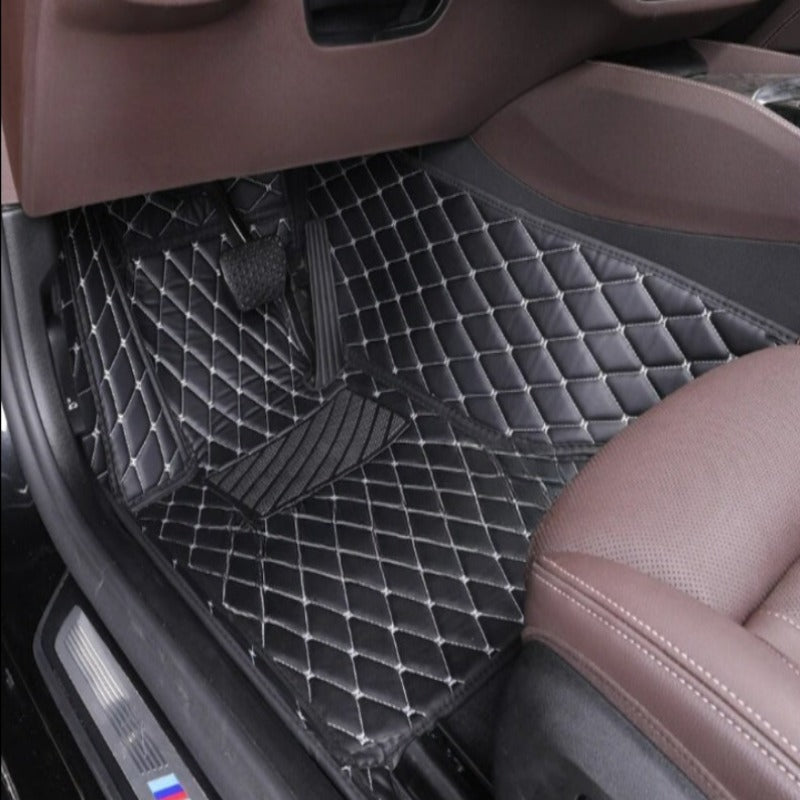
The four Style labels are literal dropdown values
The active Buick Car Floor Mat listing shows these exact Style options:
- Driver Seat
- All Seat
- Passenger Seat
- Back Seats
These labels describe the available selections. The live evidence does not define the number of pieces inside each selection, so “All Seat” should not be converted into an invented package count.
Colour is a second decision
The Color menu lists Blue, White, Green, Red, Orange, Yellow, Beige and Black. This creates a two-part order description such as “Passenger Seat + Beige” or “Back Seats + Blue.” That wording is a selector readback, not a statement about fit.
| Cart field | Example | Question it answers |
|---|---|---|
| Style | Driver Seat | Which seat-area label was selected? |
| Color | Black | Which listed colour was selected? |
| Combined readback | Driver Seat + Black | Did both dropdowns retain the intended values? |
Leave fitment outside the selector decoder
The listing calls the surface material artificial leather and the filling synthetic fibre. It also contains numeric dimensions without units, so those numbers are not a reliable fitment basis. For broader pre-purchase questions, use the existing Buick Car Floor Mat buying guide.
At checkout, the cleanest record is the exact Style label plus the exact Color label. Vehicle fit, retention and clearance require their own verified information.